Confirm the lender information
Confirm the application link and terms with the lender.
HHM CORE PAYMENTS
Accept card and bank payments from your clients. Keep payment requests, paid confirmations and receipts with the project. Keep lender information beside the quote.
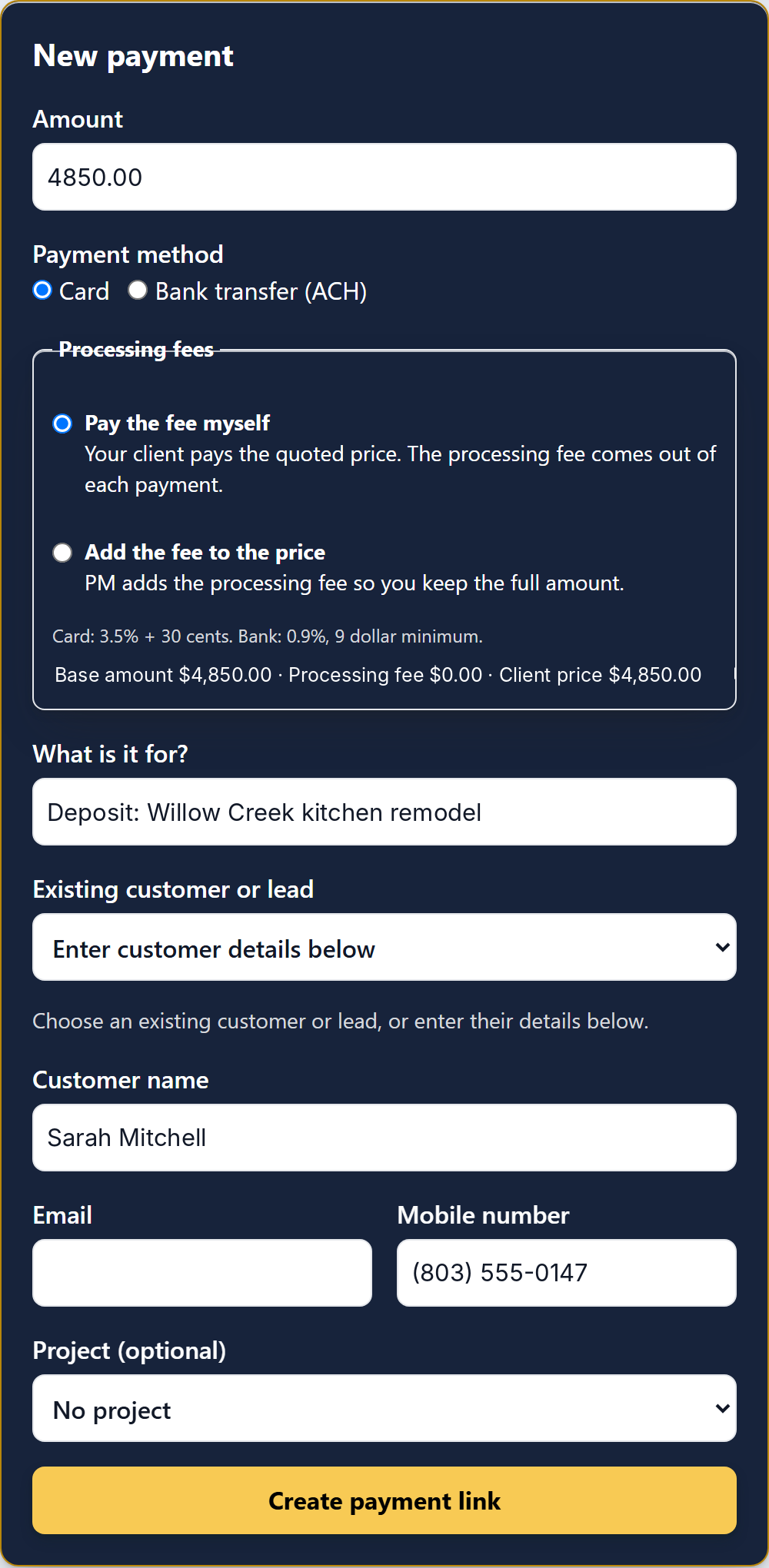
Open Connections and choose Add your bank account. Complete secure payment setup, then send a payment request from the project.
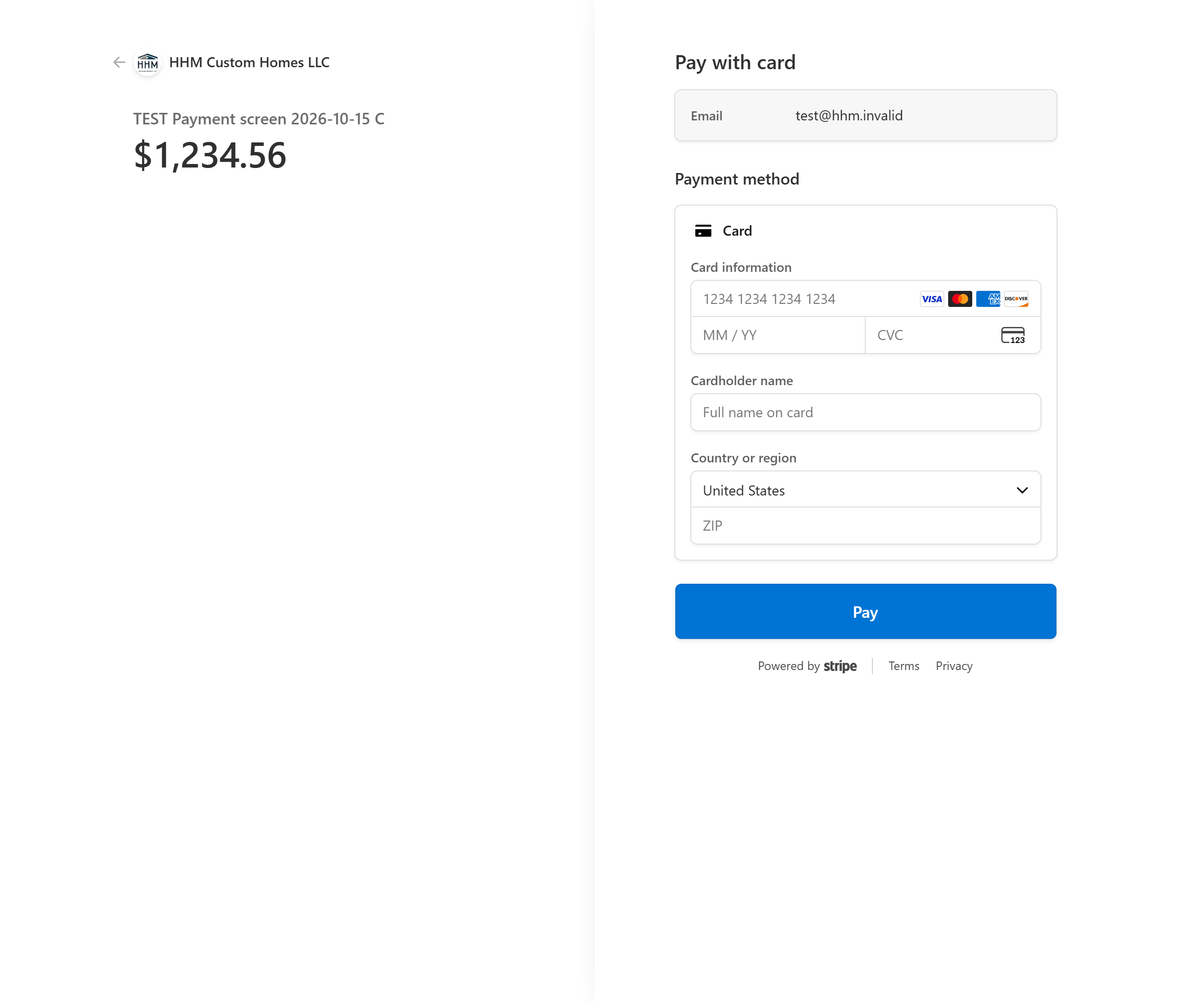
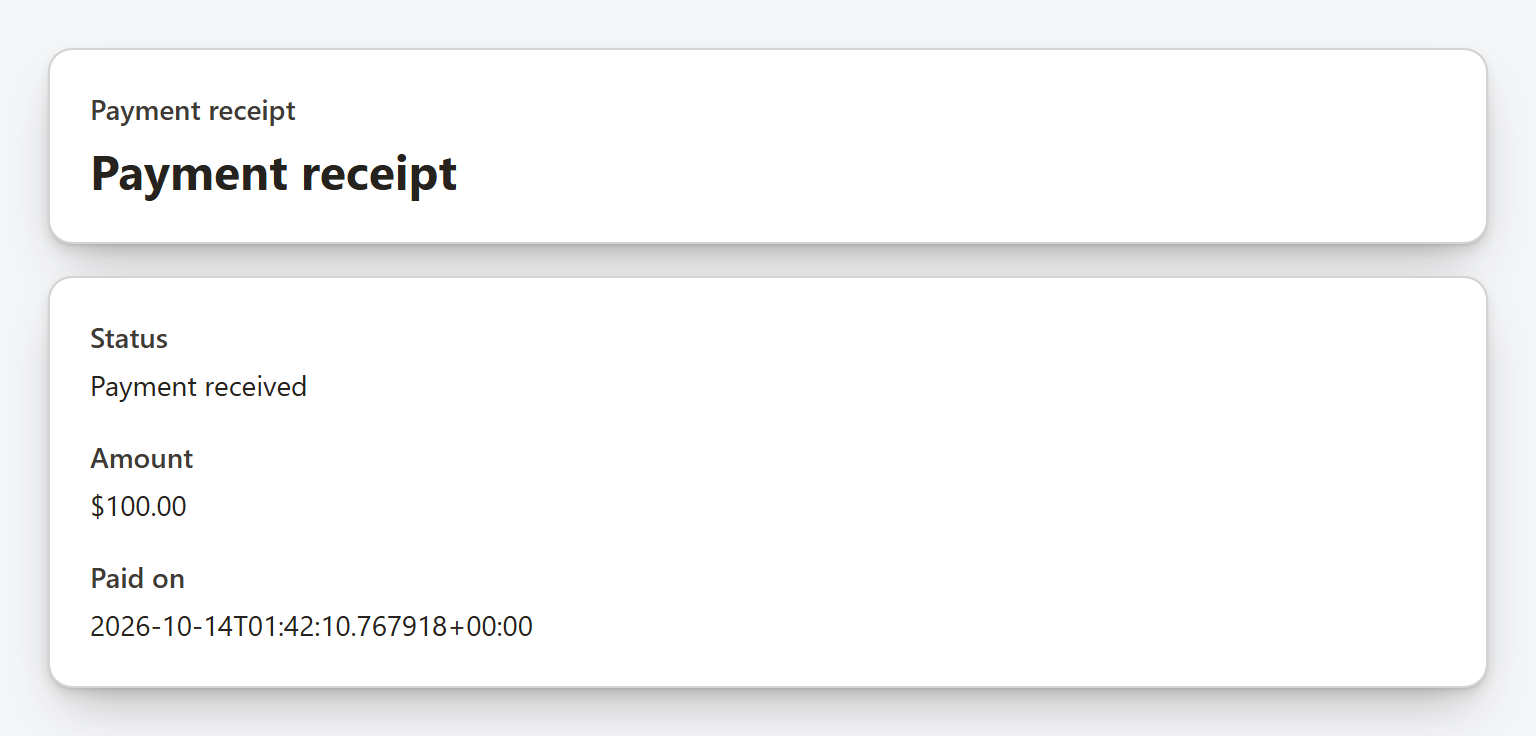
Paid confirmations and receipts stay with the project. Choose your payment alert preferences in Notifications.
Read payment steps →| Payment method | Fee |
|---|---|
| Card payments | 3.5% + $0.30 |
| Bank transfers | 0.9% with a $9 minimum |
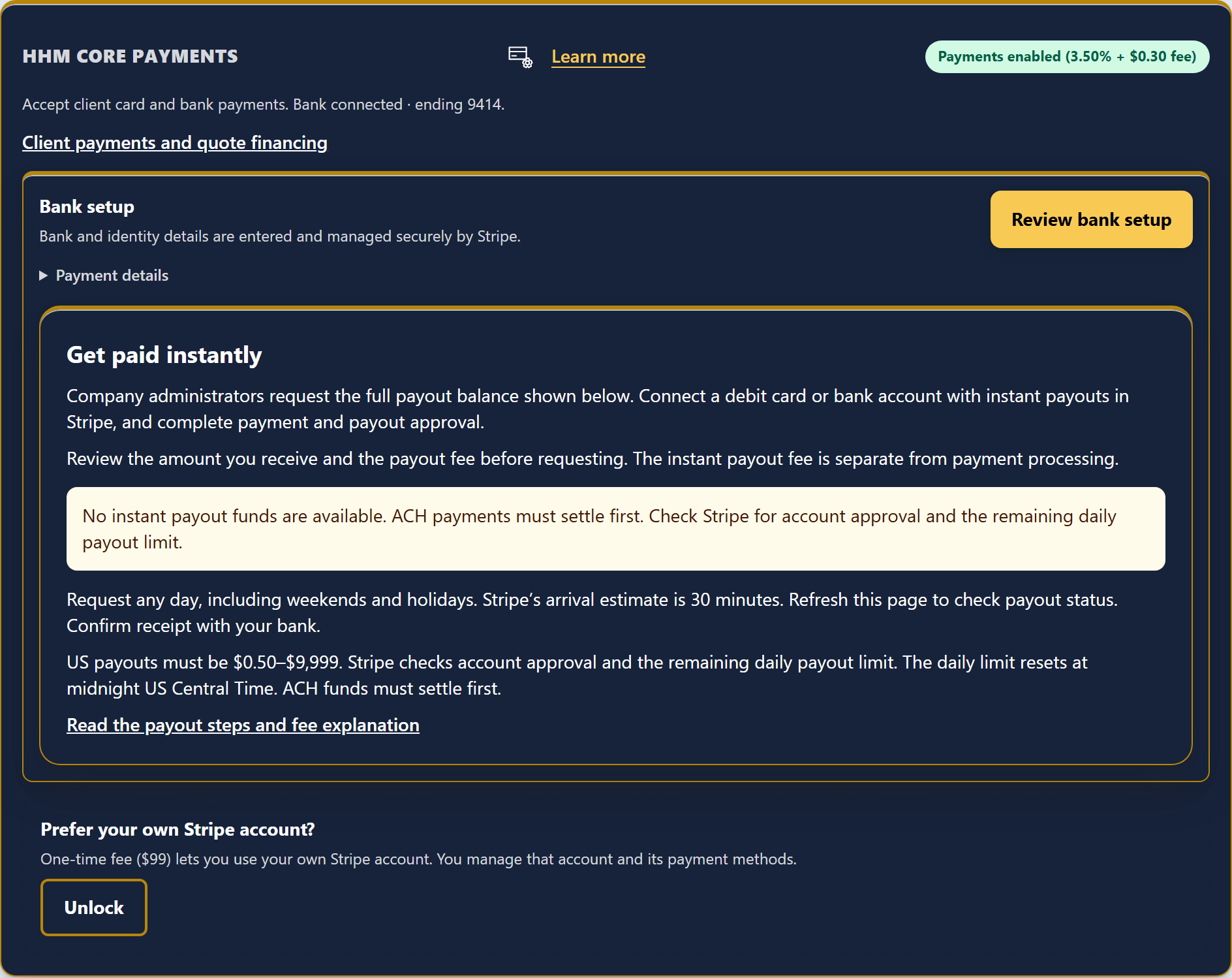
| Instant payouts | 1.4% of the payout |
1.4% of the payout
Add a lender application link and current terms to the quote after you verify them with the lender. Your client opens the link while they review the scope and price.
Confirm the application link and terms with the lender.
Show the lender information with the work your client is considering.
Your team follows the project in Project Management while the lender handles approval and loan terms.
Confirm the lender’s application link and current terms before you add them to a quote.
Read quote financing guidance →Show the work, payment request, and lender information together. The lender sets approval and final loan terms.
Review quote financing →HHM does not connect or enroll lender accounts.
Add a lender application link and current lender terms to the quote after you verify them with the lender.
No. HHM does not connect or enroll lender accounts.
The lender handles approval and final loan terms.
Open Connections and choose Add your bank account. Complete secure payment setup, then send your client a payment request from the project.
Card payments cost 3.5% + $0.30. Bank transfers cost 0.9% with a $9 minimum. Instant payouts cost 1.4%.
Paid confirmations and receipts stay with the project. Choose your payment alert preferences in Notifications.
Put financing beside the quote, then keep the job moving in Project Management.
New features are free on paid plans during beta. See the beta terms for dates and charges.
Add your bank account through secure payment setup. Clients pay online, and paid confirmations and receipts stay with the project.
After beta: Card: 3.5% + $0.30. Bank transfer: 0.9% with a $9 minimum.
Keep client payment updates and receipts with the job.
After beta: Included in every plan. Payment processing fees stay separate.
Move available payment funds to your bank with instant payouts.
After beta: Instant payout fee: 1.4%.
Cookies help us understand how this website is used.