- Project assignments: each person sees the jobs you assign, unless you give them wider access.

Your team
Contractor project dashboard for every role.
Owners, managers, clients, trades, and suppliers each see the projects and records your team shares with them.
Plug and playClient portal: Sign in and it works. Clients use their invitation to see the projects and records you share with them.
Plug and play: sign in and it works. Your plan, permissions and project assignment apply.
How it works
Assign each person to the projects they work on. Clients, trade partners and suppliers use their own accounts without team seats.
Assign the project. Open the project, choose Project team, and add the client, trade partner or supplier.
Preview the dashboard. Open the person's project dashboard to preview the cards and choose their order and visibility.
Share the sign-in link. Share the project dashboard link, and the person signs in with their own account to see assigned work.
Keep the view up to date. Publish the client updates and selections you want to share, then review each person's dashboard.
Your team
Open the work for your role
Owner
- Sees
- See leads, job tasks, finances, crew dates and work that needs attention. Open reports and activity history for more detail. Manage your team and company settings from the same dashboard.
- Does
- Arrange dashboard cards and, on Pro, check Portfolio Risk Radar.
- Access
- Choose who can see company-wide work.
Project manager
- Sees
- See your jobs, task dates, order-by dates, deliveries, inspections and open questions. Post daily logs and send client updates as work progresses.
- Does
- Manage the schedule, field work and client updates.
- Access
- Assigned jobs, with wider access when you grant it.
Homeowner
- Sees
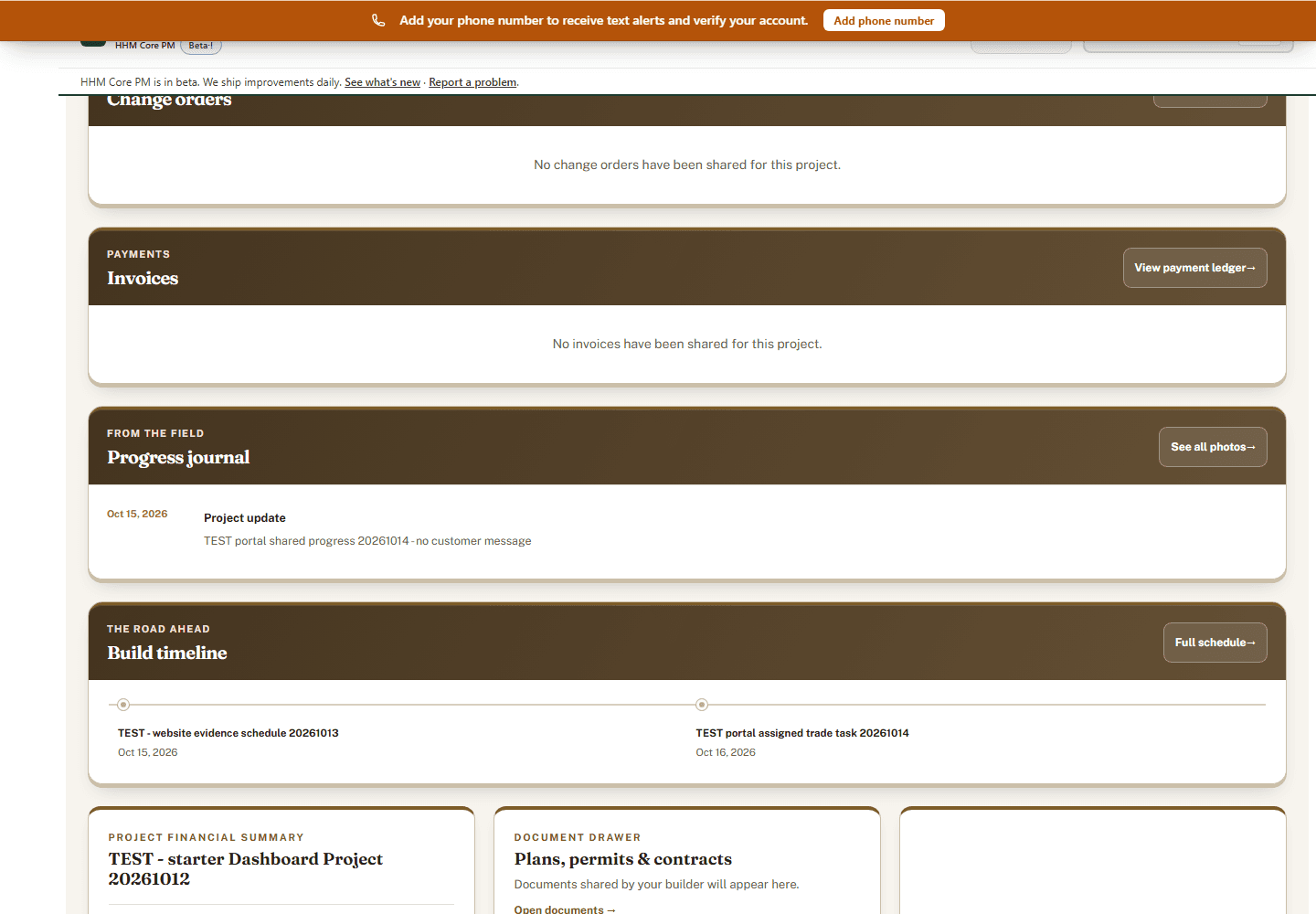
- Read sent proposals, review published selections and follow project dates. See shared progress updates, sent or paid invoices, pending or approved changes, and shared project files.
- Does
- Reviews shared job information and published choices.
- Access
- The proposals, progress and invoices you share with them.
Trade partner
- Sees
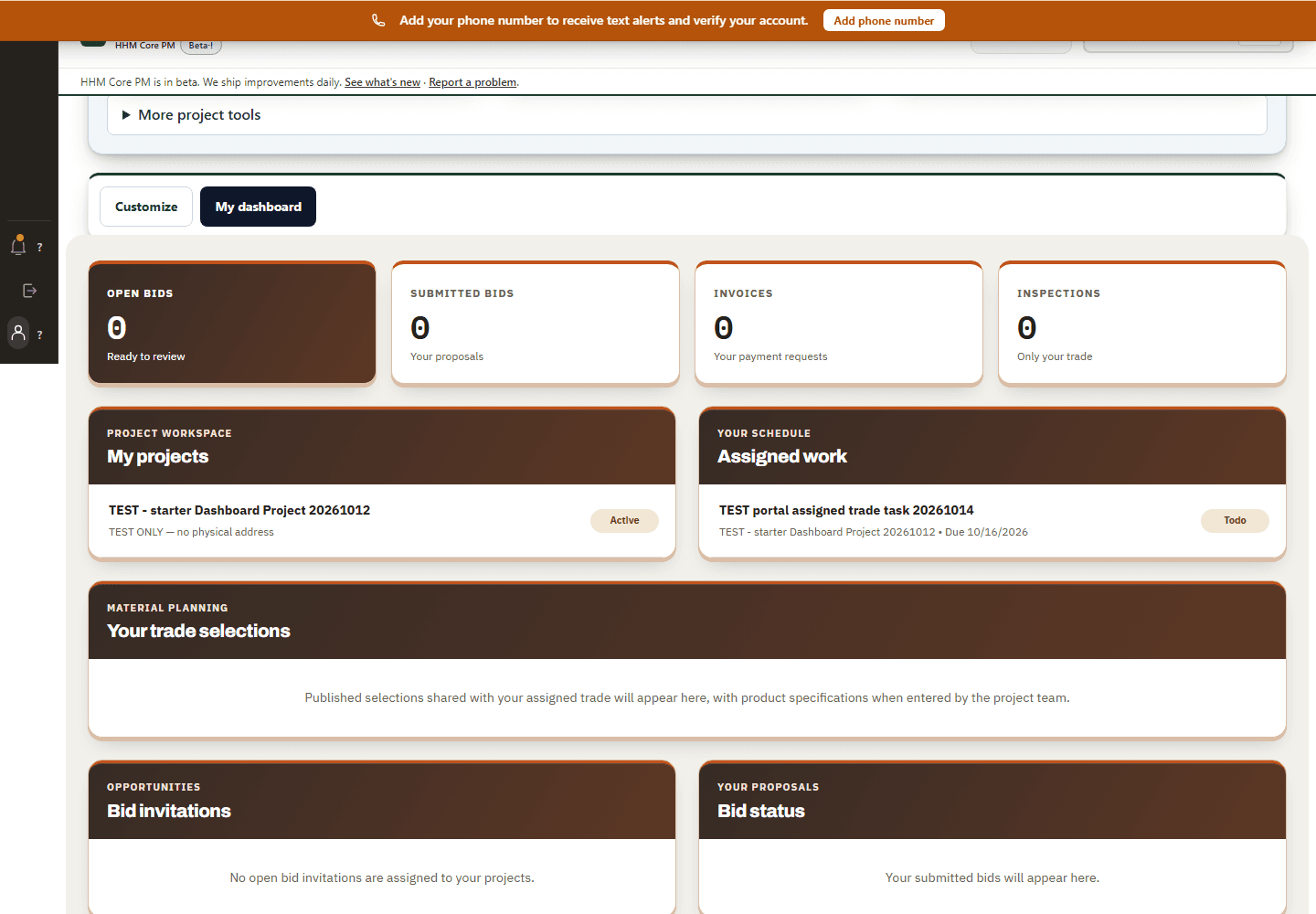
- See assigned work, deliveries and published selections shared with your trade. Check bid invitations, submitted bids, invoice status, trade inspections and company documents.
- Does
- Reviews assigned work and opens the bid, invoice and inspection records linked to their account.
- Access
- Their assigned work and the job details you share.
Supplier
- Sees
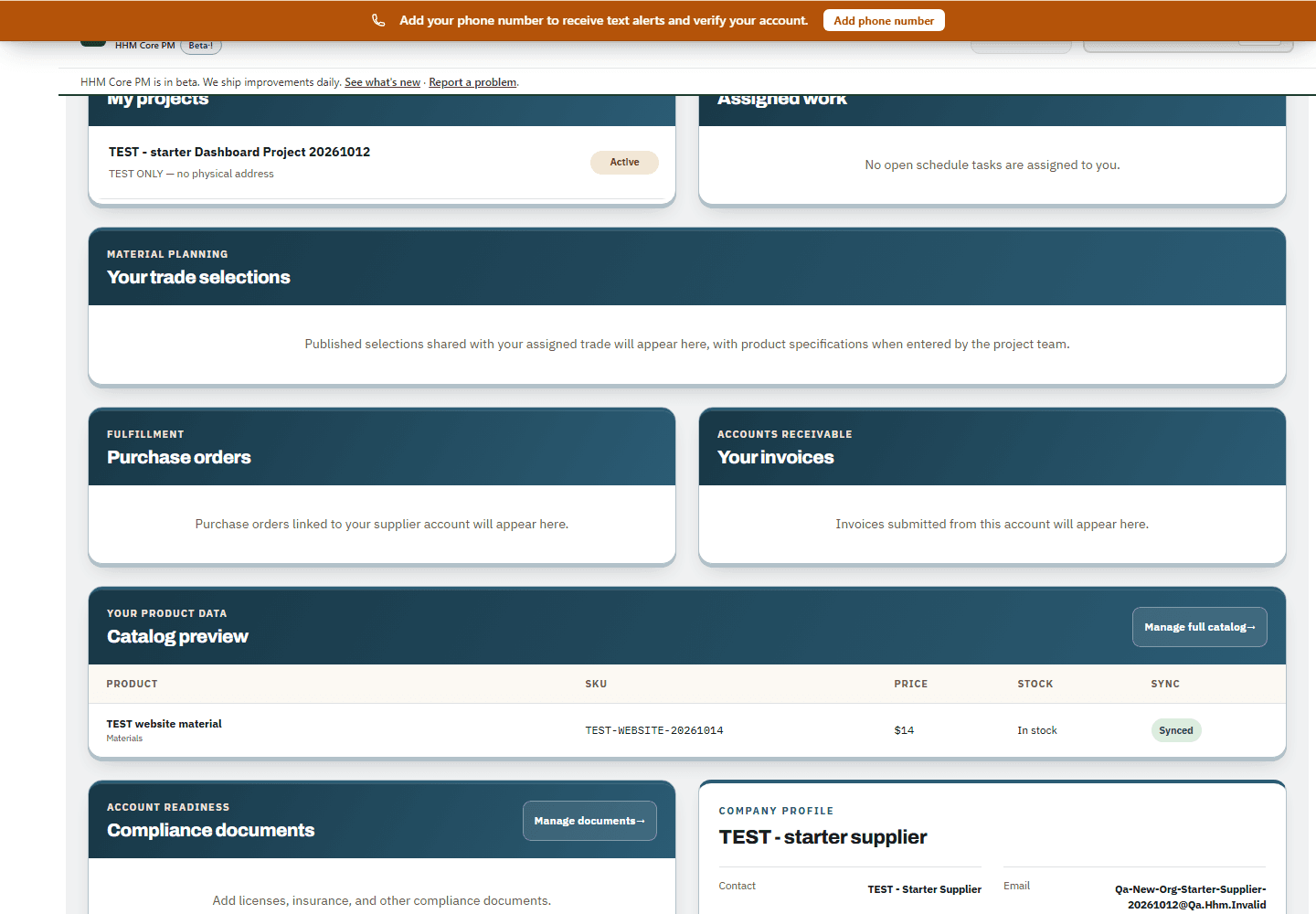
- Assigned work, deliveries, linked purchase orders, submitted invoices and their product catalog.
- Does
- Reviews linked orders, checks submitted invoices and manages their product catalog.
- Access
- Their orders, deliveries and catalog.
Your team
Keep past-client requests and homeowner files
Homeowner programs and partner tools
Request warranty work or a new estimate after handover. Keep private home notes, files, and repair paperwork together.
Your team
Choose what each person sees
Invite each person and choose their role and projects. Administrators can set the company logo and colors, and each user can arrange available dashboard cards.
- Permissions: choose what each person can open and remove access when they leave.
- Publishing: team notes and drafts stay private until you publish or share them.
- Portal preview: check the client, trade or supplier view from Project team before sharing it.